
With Ver precios y montos turned off, an employee or supervisor works as usual but sees no prices, totals or balances, and the tickets and receipts they print or send go out without prices. Useful for whoever serves a hotel, someone new or whoever covers a shift.
Which roles it applies to
| Role | Can prices be hidden? | How |
|---|---|---|
| Empleado | Yes | Ver precios y montos switch |
| Supervisor | Yes | Ver precios y montos switch |
| Personal de campo (driver) | Yes | Cobrar switch (Repartidores) |
| Propietario and Administrador | No | They always see prices |
Turn it off
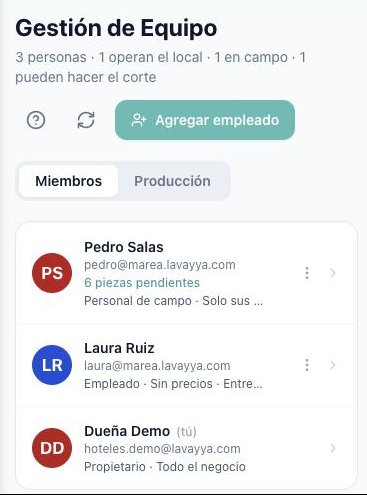
Equipo → tap the employee or supervisor.
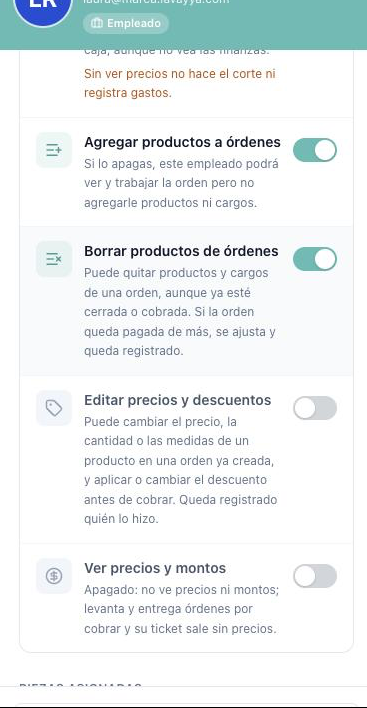
In Qué puede hacer, turn off Ver precios y montos. It applies in less than a minute.
What they see
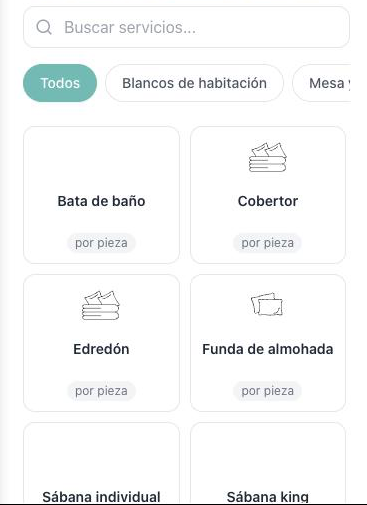
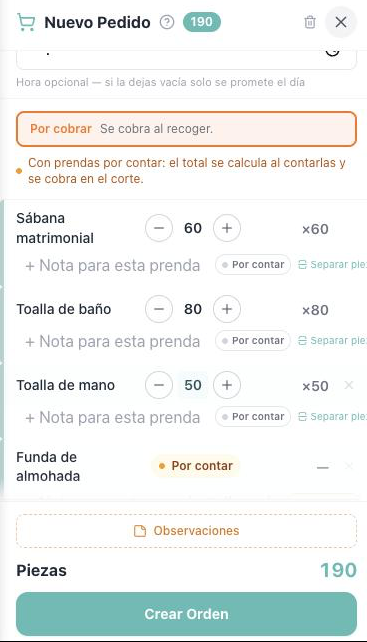
POS: services without price and Piezas instead of the total. Payment is fixed at Por cobrar; there are no discounts or extra charges.
Orders: cards and detail without amounts, payments or balance. They can count garments and change the status as usual.
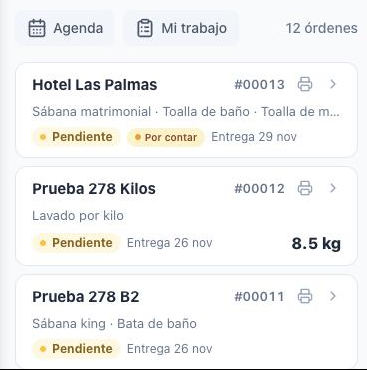
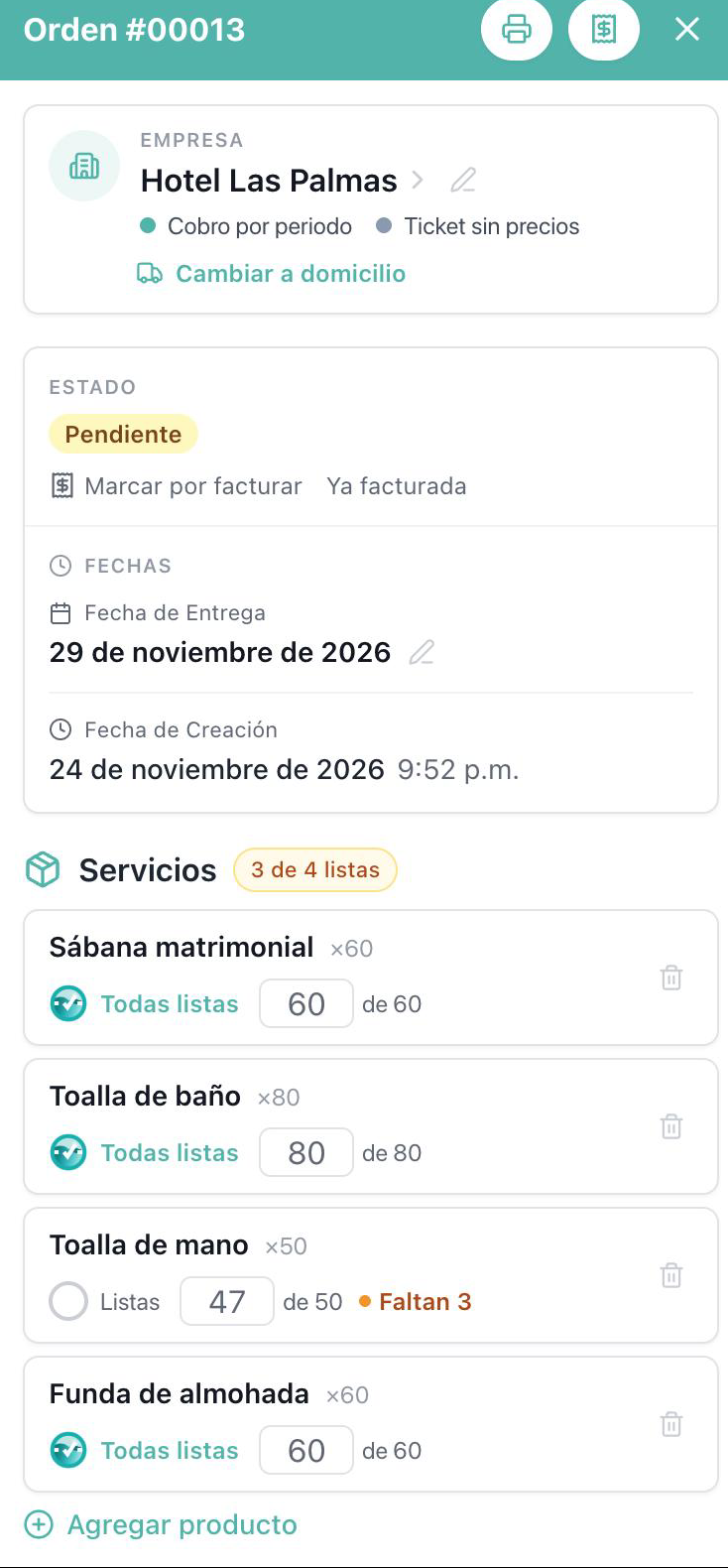
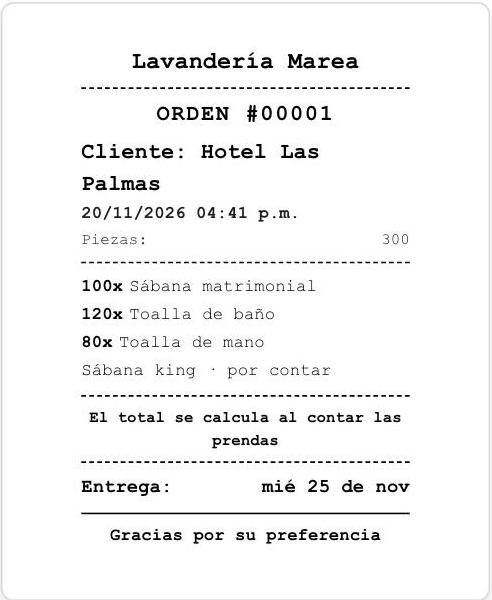
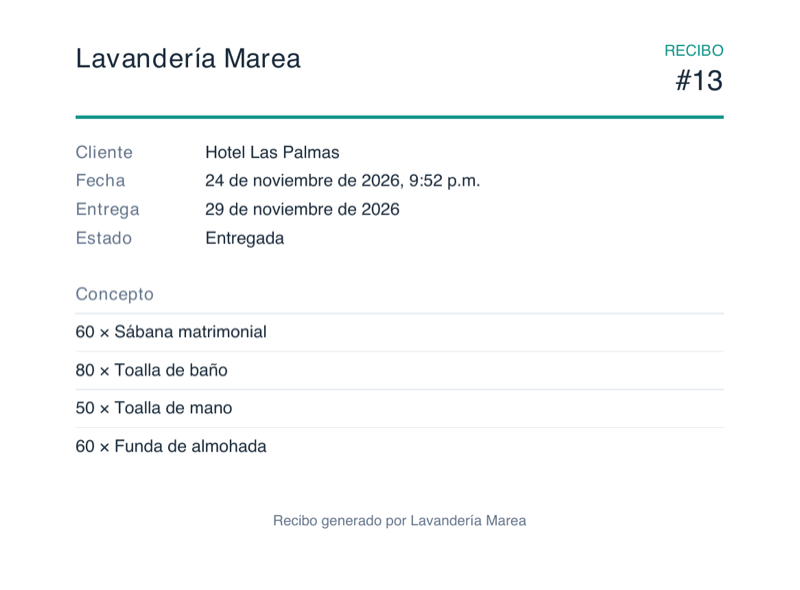
Print or send the receipt without prices
Print: the printer icon at the top of the order, or Imprimir Ticket when the order is created.
WhatsApp: the Recibo button at the bottom of the order (only if the customer has a phone). WhatsApp opens with a greeting, the order number and the link to the receipt.
PDF: the Descargar recibo en PDF icon at the top of the order.

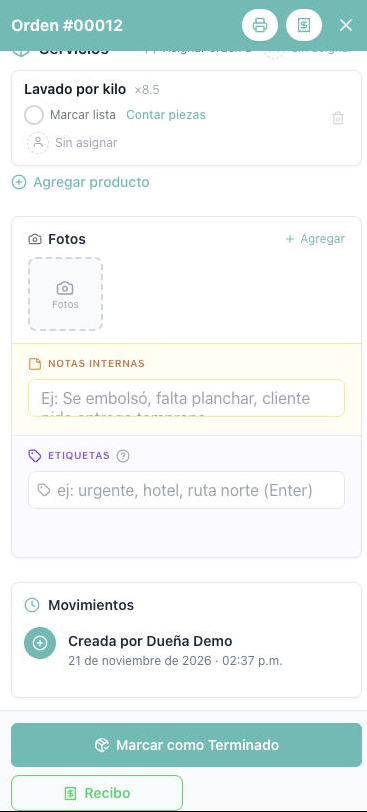
What they cannot do
Register payments or down payments, give discounts, make the cash closing or register expenses. When they deliver, the order is delivered without registering payment and whoever handles the cash charges it. For hotels that pay by period, see Lava y Ya for hotels and companies.